Our platform, based on Yaook OpenStack, offers you a wide range of options for your IaaS landscape to manage – from setting up virtual networks and firewalls to managing images and virtual machines. To make it as easy as possible for you to get started, we’ve put together a series of articles that explain the key features and functions step by step.
In this post, you’ll first find an overview of all the chapters in our beginner’s guide. You can either follow the order or jump straight to a specific topic. We’re expanding the guide bit by bit and will be publishing new posts as soon as we can.
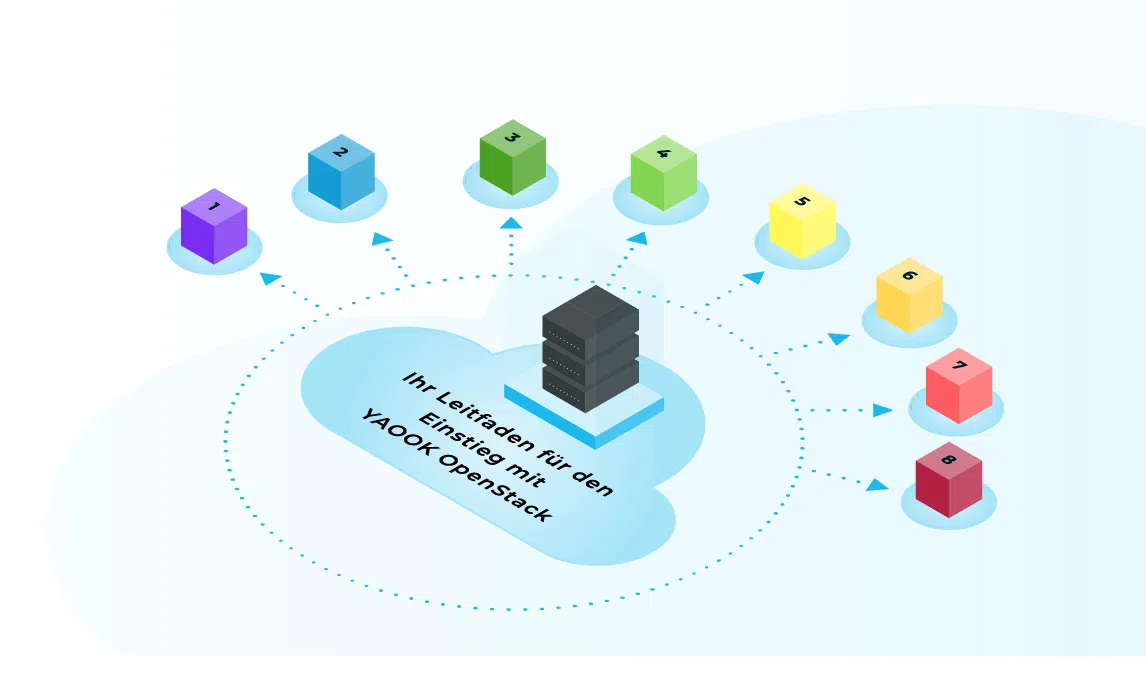
Chapter overview
Chapter 1: Accessing our OpenStack cloud environment via the Horizon dashboard
Find out here how to access the OpenStack dashboard, familiarise yourself with the user interface and understand the key terms.
Chapter 2: Accessing the cloud environment via the CLI tool and the OpenStack API
Here you can find an overview of the CLI tool and API endpoints for advanced users who wish to use automation and scripting (e.g. Terraform/OpenTofu).
Chapter 3: Creating Networks and Floating IPs in OpenStack
Here you will find step-by-step instructions on how to set up a private network, subnet and router, as well as how to create floating IPs from an existing pool.
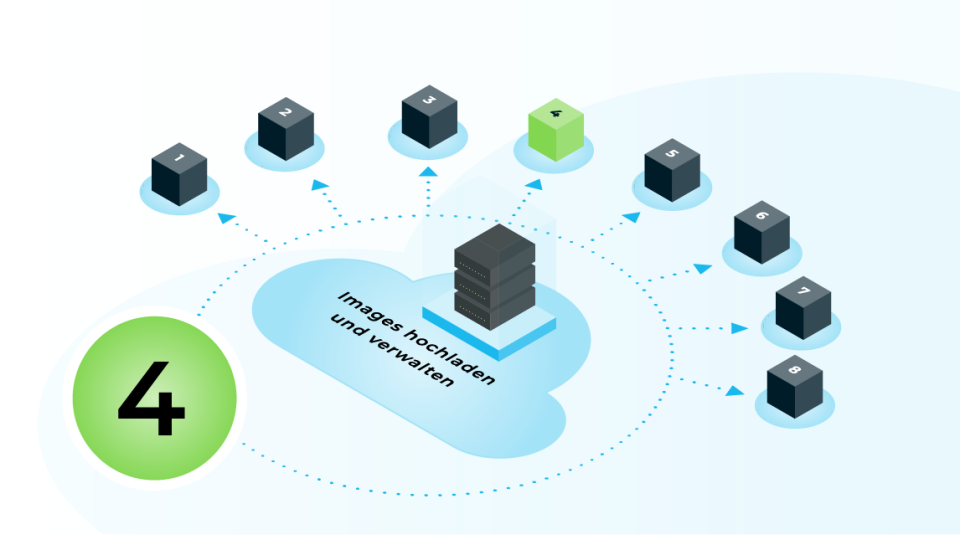
Chapter 4: Uploading and managing images
In this chapter, you will learn how to import your own operating system images or use standard images to deploy your systems quickly.
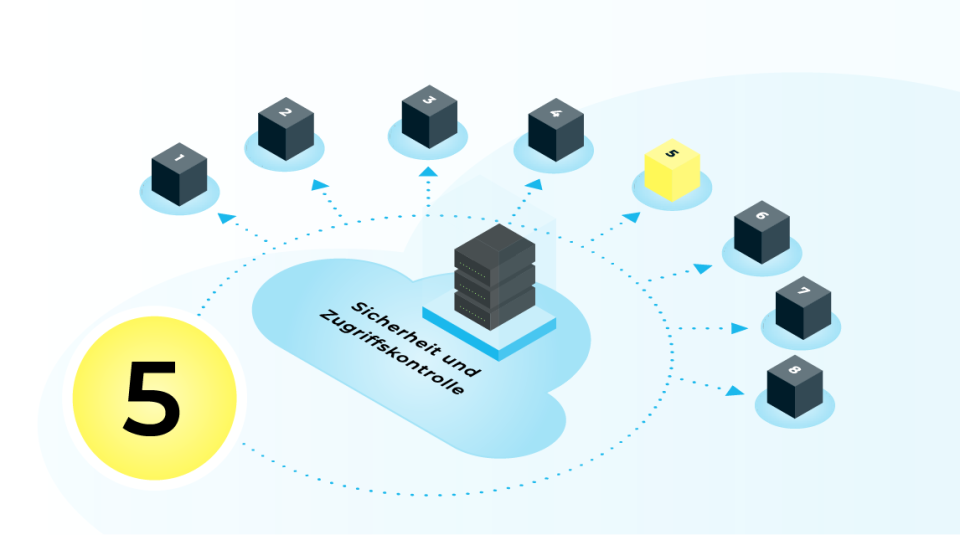
Chapter 5: Security and Access Control
Here you’ll find tips on how to use security groups, SSH keys and user roles to make your environment secure.
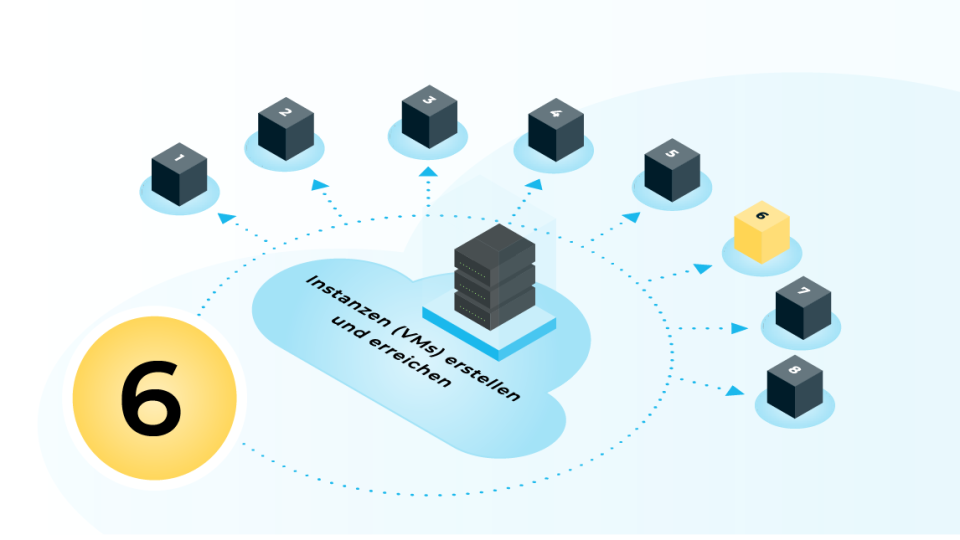
Chapter 6: Creating and Accessing Instances (VMs)
Learn how to create virtual machines and establish connections via private networks or floating IPs here. (Cloud&Heat IaaS)
Chapter 7: YAOOK OpenStack’s internal DNS service
Find out how to create and manage DNS records (DNSaaS) using OpenStack Designate.
Chapter 8: YAOOK OpenStack’s internal load-balancing service
In this chapter, you will learn how to create and manage load balancers (LBaaS) using OpenStack Octavia.
We’re delighted to have you here. If you have any further questions about our public cloud platforms, please feel free to contact us by email at support@cloudandheat.com.
Contact
Are you not yet using our OpenStack cloud and interested in our IaaS? Please feel free to get in touch.

Max Böttcher