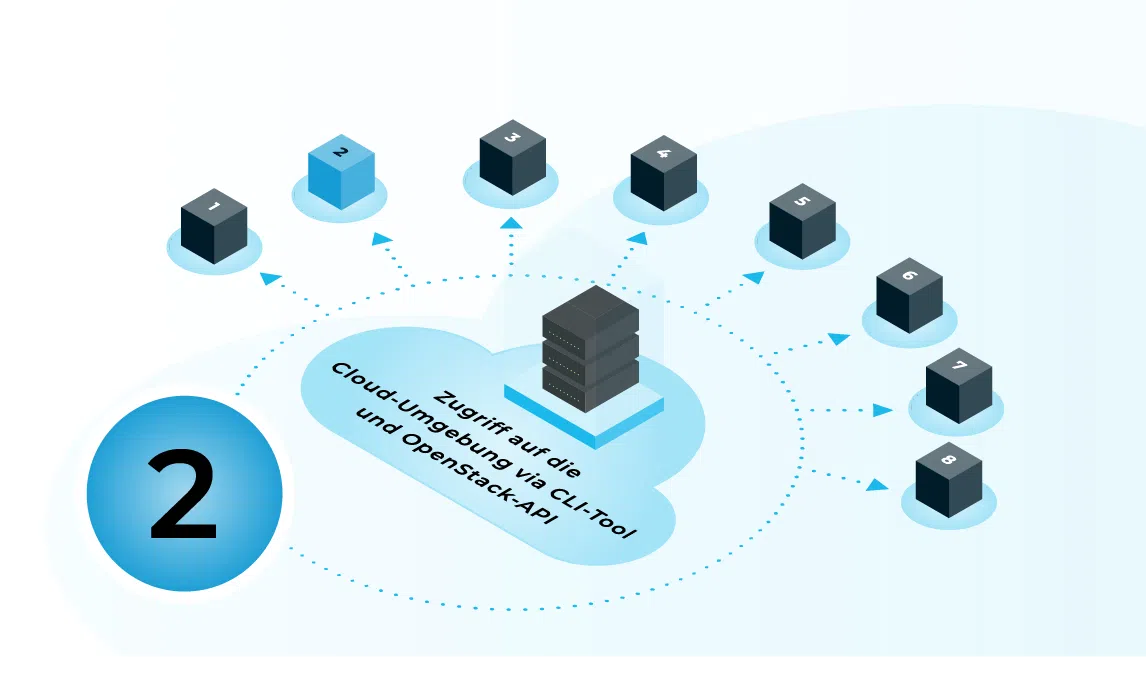
In this chapter, advanced users will find an overview of the available CLI tools and API endpoints in the cloud environment to automate recurring tasks and manage infrastructure using scripting or IaC tools, such as Terraform or OpenTofu.
CLI tool for the OpenStack cloud
A CLI tool is available for working on the command line, which can be used to manage the key resources of the cloud environment (e.g. instances, networks, volumes, images and users). Once installed, the connection to the cloud is usually established via a configuration file (OpenStack-RC file), which contains endpoint URLs, project or tenant information, as well as a username and authentication details. Once this foundation is in place, you can carry out typical management tasks such as creating instances, setting up networks or retrieving status information directly via commands and integrate them into scripts.
Please use Chapter 1, to get help with creating an OpenStack RC file.
In a Bash shell (or similar), you can run the RC file as follows:
```code block```
source ./open.rc.file
(press Enter to confirm)
```
You can then use standard CLI tools (which you’ll need to install beforehand), for example:
```code block```
OpenStack catalogue list
```
API endpoints and authentication
REST-based API endpoints are available for full automation, allowing all functions of our cloud to be accessed programmatically. Authentication is usually carried out via a central identity service, where a token is first requested and then used in subsequent API calls. The base URL of the API (e.g. for compute, networking and storage) depends on the location and will be provided to you in due course.
Compute | |
Identity | |
Image | |
Key Manager | |
Metric | |
Network | |
Placement | |
Volumev3 | https://volume.f1d.cloudandheat.com:443/v3/08aa873729cd47ee90cb75b6a86becda |
Compute | |
DNS | |
Identity | |
Image | |
Key Manager | |
Load balancer | |
Metric | |
Network | |
Object Store | https://object-storage.dd8a.cloudandheat.com:443/swift/v1/AUTH_ac0dfd7a90114ef39d135b33568e67c2 |
Placement | |
Volumev3 | https://volume.dd8a.cloudandheat.com:443/v3/ac0dfd7a90114ef39d135b33568e67c2 |
Deployment with Terraform / OpenTofu
For Infrastructure-as-Code scenarios, Terraform or OpenTofu can be used to manage cloud resources via declarative configurations. The API endpoints and access credentials are typically stored in the provider block or in separate variable files, so that the same configurations can be flexibly applied to different cloud locations. In this way, entire environments – from networks and security groups to instances – can be set up, modified and removed in a reproducible manner, which is particularly advantageous for test, staging and automated deployment scenarios.
For information on using Terraform / OpenTofu, please refer to the relevant documentation.
Terraform: https://developer.hashicorp.com/terraform/docs
OpenTofu: https://opentofu.org/docs/
You can find further tutorials on working with OpenStack cloud environments here.
Contact
Are you not yet using our OpenStack cloud and interested in our IaaS? Please feel free to get in touch.

Max Böttcher