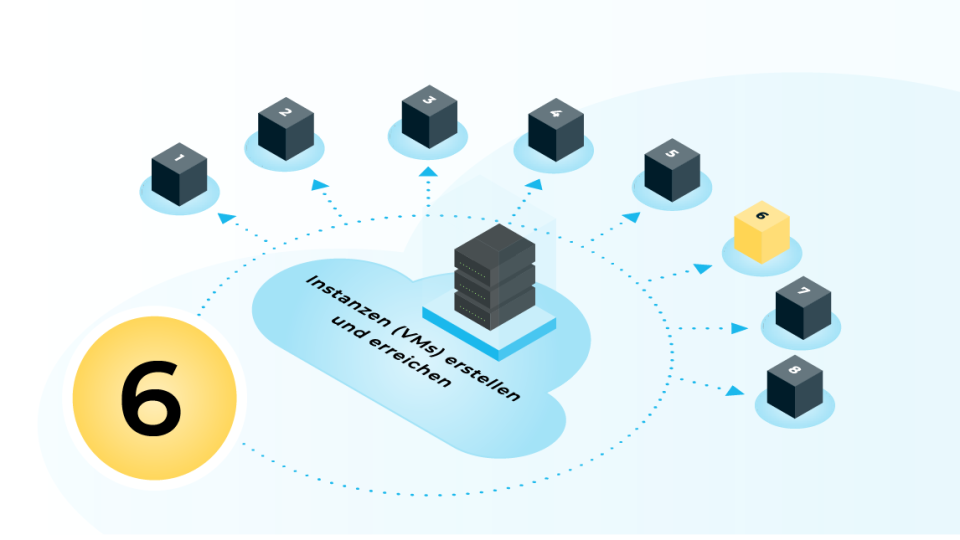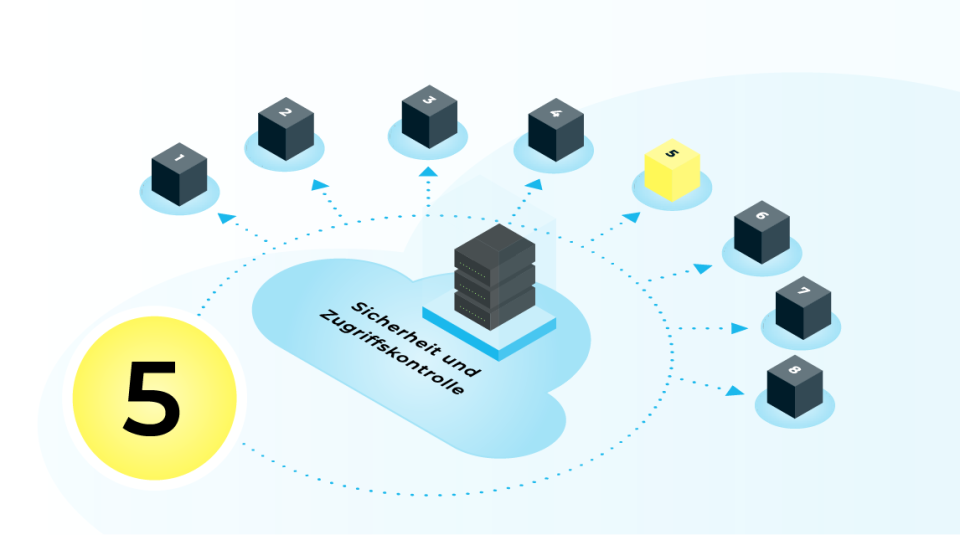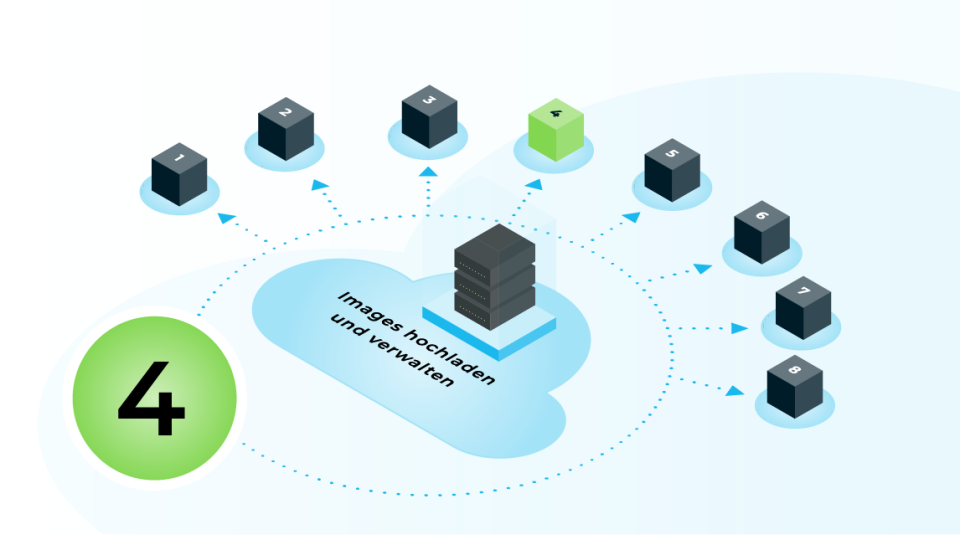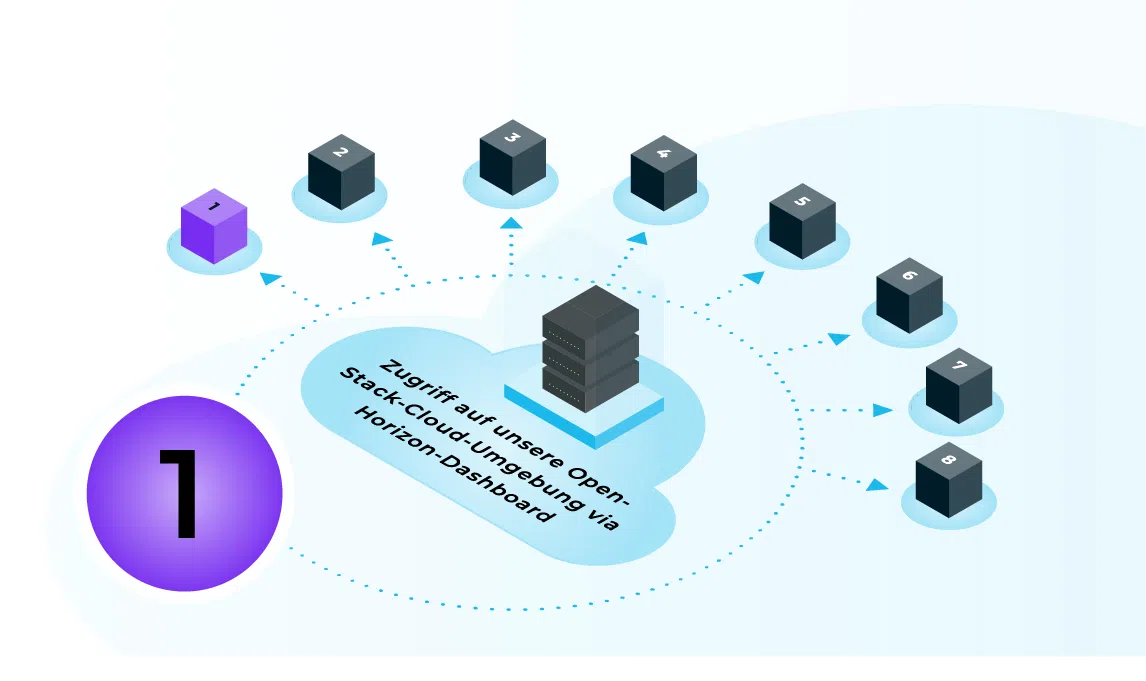
To access our OpenStack dashboard, open a modern web browser and enter the URL for your chosen cloud location. You will receive the URL by email as part of the onboarding process. Cloud&Heat Technologies currently offers two cloud locations (Dresden dd8a and Frankfurt f1d) .
Horizon Dashboard in Frankfurt: https://f1d.cloudandheat.com
Horizon Dashboard in Dresden: https://dd8a.cloudandheat.com
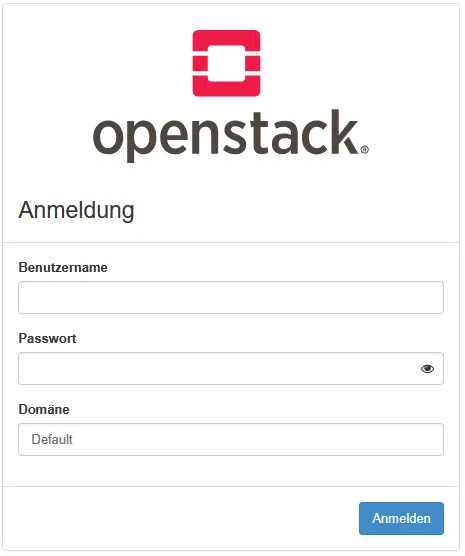
On the login page, enter your username, password and – if required – the relevant domain. In both clouds, you should select the „Default“ domain, which is also selected by default. Once you have logged in successfully, you will be redirected to the dashboard’s home page, where you will see different menu items and functions depending on your role.
Structure of the user interface
The Horizon Dashboard user interface is divided into several sections. At the top is a bar showing your logged-in user, project and, where applicable, domain selection, as well as the menu for settings and logging out. In the left-hand navigation column, you’ll find the available functional areas such as Compute, Network, Storage and Identity; the exact selection depends on your permissions. The main area in the centre displays the currently selected view, for example overviews, detailed views, tables or wizards for creating new resources.
Key terms and concepts
There are a few key terms you need to know when working in the Cloud Dashboard:
A „project“ (also known as a tenant or account) groups together resources such as instances, volumes, networks and security groups, and serves as an organisational unit. „Instances“ are virtual machines that you can start, stop and manage, whilst „images“ serve as templates for new instances. Networks, routers, floating IPs and security groups together form the network infrastructure of your cloud environment and control accessibility and access protection. Depending on your assigned role (e.g. user or administrator), you also have access to administrative areas for managing projects, users and global resources.
Access to the API
To work with CLI tools and automation, you need to use the OpenStack API endpoints. To make accessing these as straightforward as possible, the Horizon dashboard allows you to easily download a so-called OpenStack RC file (or alternatively a clouds.yaml file), which automatically provides the correct environment variables for using, for example, CLI tools such as the python-openstackclient.

For further guidance on creating and managing your OpenStack cloud resources, please refer to the Overview page the linked related chapter.
Contact
Are you not yet using our OpenStack cloud and interested in our IaaS? Please feel free to get in touch.

Max Böttcher